In today’s competitive digital environment, website accessibility and usability are essential for creating a successful online presence. A visually attractive website is not enough—users must also be able to navigate, understand, and interact with it easily. Businesses that prioritize accessibility and usability not only improve user experience but also increase engagement, search engine visibility, and conversions.
Whether your visitors access your website on desktop, mobile, or assistive technologies like screen readers, ensuring a seamless experience for all users is crucial. In this guide, we’ll explore what website accessibility and usability mean, why they matter for SEO and user experience, and how businesses can improve them to create a more inclusive and effective digital platform.
What Is Website Accessibility?
Website accessibility refers to the practice of designing and developing websites so that people of all abilities—including those with disabilities—can access and use them effectively. This includes users with visual, auditory, motor, or cognitive impairments.
Accessible websites allow users to:
- Navigate with keyboard commands
- Use screen readers or assistive technologies
- Understand content with clear layouts and readable text
- Access alternative descriptions for images and multimedia
Accessibility is guided by the Web Content Accessibility Guidelines (WCAG), which outline standards for creating inclusive digital experiences.
Why Accessibility Matters
An accessible website benefits both users and businesses:
- It expands your potential audience
- It improves usability for everyone
- It reduces legal risks related to accessibility compliance
- It enhances overall user satisfaction
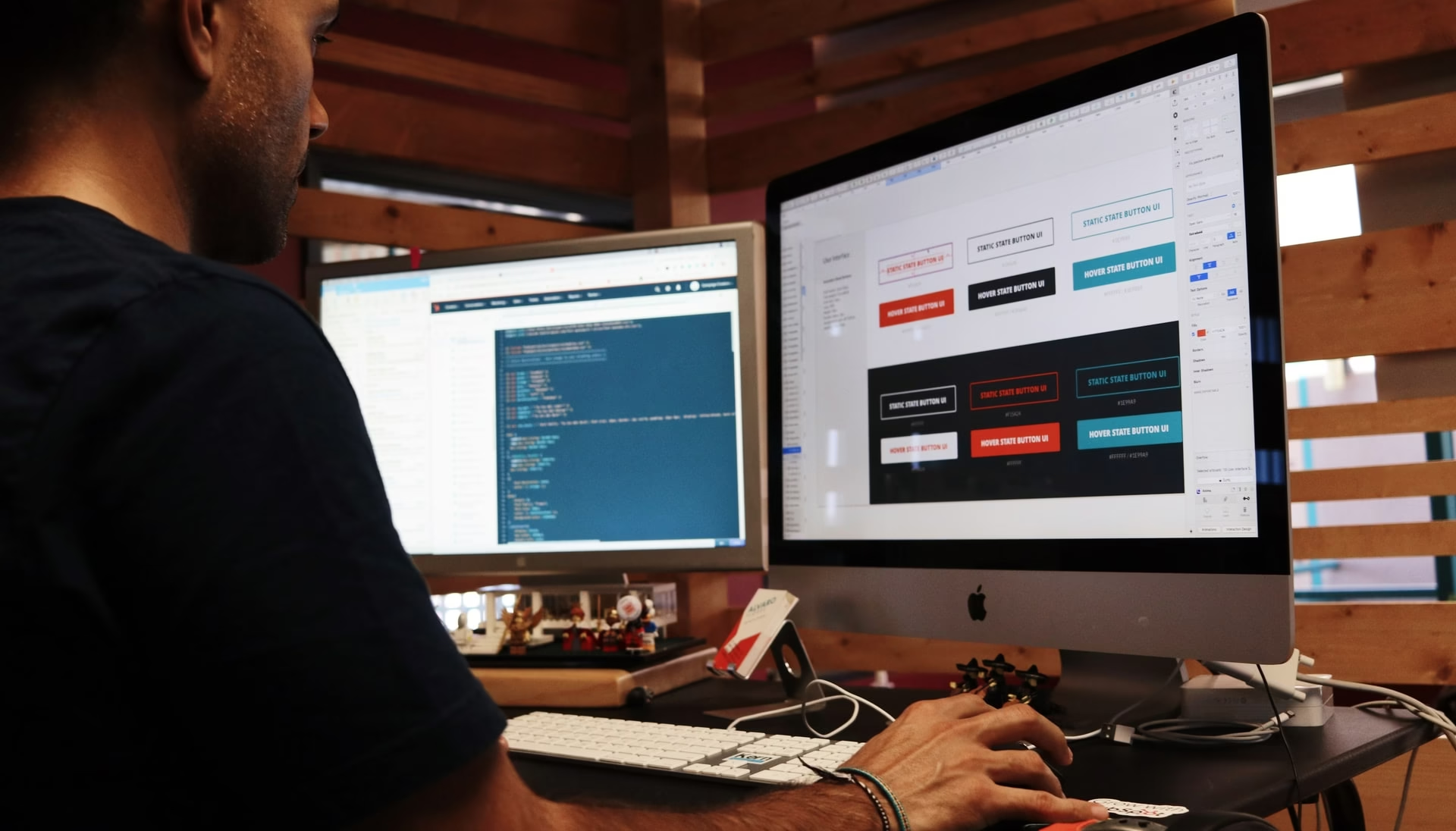
Visual Concept of Accessibility
Accessibility is not just about compliance—it’s about making the internet usable for everyone.
What Is Website Usability?
Website usability refers to how easy and efficient it is for users to interact with your website. A usable website allows visitors to quickly find information, complete tasks, and navigate without confusion.
Key characteristics of usable websites include:
- Clear navigation
- Logical content structure
- Fast loading speed
- Mobile responsiveness
- Simple and intuitive design
Usability focuses on reducing friction in the user journey. When visitors can accomplish their goals quickly—whether reading content, booking a service, or making a purchase—they are more likely to stay on your website and return in the future.
Why Accessibility and Usability Matter for Modern Websites
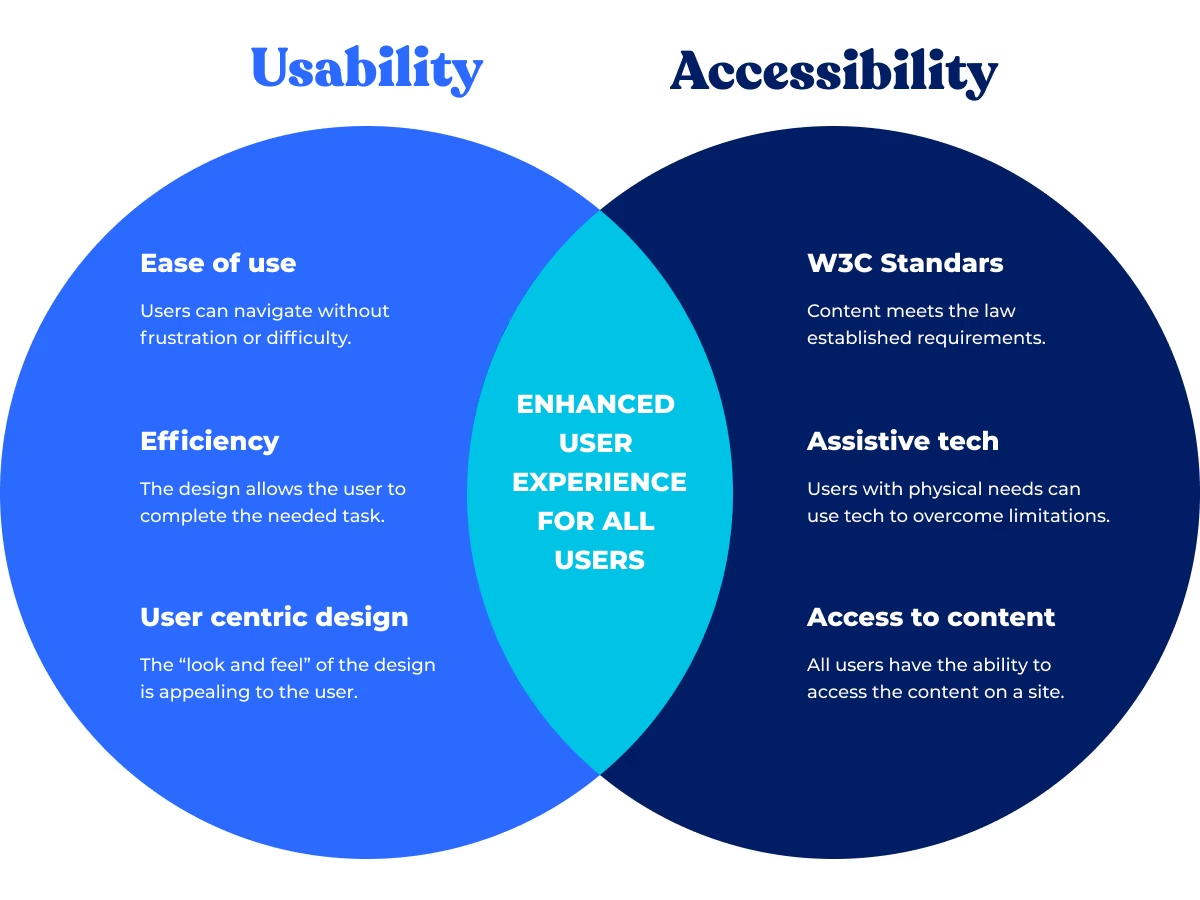
Accessibility and usability are closely related. Accessibility ensures everyone can use your website, while usability ensures they can use it efficiently and comfortably.
Together, they contribute to:
Better User Experience
Users expect websites to be easy to navigate and understand. If a website is confusing or difficult to use, visitors will leave quickly.
Higher Engagement
Improved usability encourages visitors to explore more pages, increasing:
- Time on site
- Page views
- Interaction rates
Inclusive Digital Experiences
Accessibility ensures users with disabilities can interact with your website without barriers, promoting inclusivity.
Improved Trust and Credibility
Visitors trust websites that are well-designed, professional, and easy to use. An accessible website demonstrates that your brand values all users.
How Accessibility Improves SEO
Search engines prioritize websites that deliver excellent user experiences. Many accessibility best practices also help search engines understand and index website content more effectively.
Key SEO benefits include:
Structured Content
Using proper headings (H1, H2, H3) improves readability and helps search engines interpret page structure.
Alt Text for Images
Providing descriptive alternative text allows screen readers to interpret images and helps search engines understand visual content.
Improved Crawlability
Accessible code and semantic HTML make it easier for search engine bots to crawl and index pages.
Mobile Responsiveness
Accessible websites typically adapt well to different devices, improving mobile SEO performance.
Faster Page Performance
Usability improvements often include optimizing page speed and reducing unnecessary elements—both important ranking factors.
Key Principles of Website Accessibility
The WCAG guidelines define four core principles known as POUR:
1. Perceivable
Content must be presented in ways that users can perceive.
Examples include:
- Alt text for images
- Video captions
- Proper color contrast
- Clear typography
2. Operable
Users must be able to interact with the website through different methods.
Examples include:
- Keyboard navigation
- Accessible buttons and links
- No flashing elements that could trigger seizures
3. Understandable
Content and interface elements should be easy to understand.
This includes:
- Clear instructions
- Consistent navigation
- Helpful error messages
4. Robust
Content must work across different devices and assistive technologies.
This ensures compatibility with:
- Screen readers
- Voice commands
- Various browsers and operating systems
Best Practices to Improve Website Usability
Improving usability requires a user-centered design approach. Here are some key strategies.
Simplify Navigation
Navigation should be intuitive and consistent across the entire website.
Best practices include:
- Clear menu categories
- Logical page hierarchy
- Breadcrumb navigation
- Search functionality
Users should never feel lost when browsing your site.
Optimize Mobile Responsiveness
With most internet traffic coming from mobile devices, responsive design is essential.
Your website should:
- Adjust layouts for different screen sizes
- Maintain readable text on small screens
- Ensure clickable elements are easy to tap
Mobile usability directly impacts both SEO rankings and user engagement.
Improve Page Speed
Slow websites frustrate users and increase bounce rates.
To improve speed:
- Optimize images
- Use caching
- Reduce unnecessary scripts
- Implement efficient hosting solutions
Fast-loading websites keep visitors engaged.
Use Clear Calls-to-Action
Calls-to-action guide users toward specific actions such as:
- Contacting your business
- Booking a consultation
- Purchasing a product
Effective CTAs are:
- Visible
- Concise
- Action-oriented
Examples include:
- “Get a Quote”
- “Start Your Project”
- “Contact Our Team”
Maintain Clean URL Structure
Clear URLs improve usability and help users understand the content of a page before clicking.
For example:
Good URL:example.com/website-accessibility-guide
Poor URL:example.com/page?id=24892
Clean URLs enhance both user experience and SEO.

Accessibility Testing and Website Audits
Regular accessibility testing helps identify usability barriers and compliance issues.
Automated Accessibility Tools
Popular tools include:
- Google Lighthouse
- WAVE Accessibility Tool
- Axe DevTools
These tools detect issues like:
- Missing alt text
- Color contrast problems
- Structural HTML errors
Manual Testing
Automated tools can only identify some accessibility issues. Manual testing helps detect deeper usability challenges.
Manual testing methods include:
- Keyboard navigation tests
- Screen reader testing
- User experience testing
Accessibility audits combine both automated and manual methods for comprehensive results.
Common Accessibility Mistakes to Avoid
Many websites unintentionally create barriers for users.
Here are some common issues to avoid:
Missing Alt Text
Images without descriptions prevent screen reader users from understanding visual content.
Poor Color Contrast
Low contrast between text and background reduces readability.
Complex Navigation
Confusing menus and unclear page structures frustrate users.
Unlabeled Form Fields
Forms must include clear labels so assistive technologies can interpret them.
Inaccessible Interactive Elements
Buttons and links must be keyboard-accessible.
Avoiding these issues significantly improves accessibility and usability.
How Webquence Enhances Website Accessibility and Usability
Creating an accessible, user-friendly website requires expertise in design, development, and SEO. Businesses that want to maximize performance often partner with experienced digital professionals.
Working with a top web digital agency ensures your website is designed with accessibility, usability, and search engine optimization in mind.
Professional services typically include:
- Accessibility audits
- UX/UI optimization
- Mobile responsiveness improvements
- Cross-browser compatibility testing
- Navigation restructuring
- SEO-friendly development
By implementing these strategies, businesses can create websites that deliver better experiences and stronger performance.
The Future of Accessible and Usable Websites
The importance of accessibility and usability will continue to grow as digital experiences become more integrated into everyday life.
Future trends include:
- AI-powered accessibility tools
- Voice interface optimization
- Inclusive design frameworks
- Improved assistive technology integration
Businesses that adopt accessibility early will be better positioned to serve diverse audiences and stay competitive online.
Conclusion
Website accessibility and usability are no longer optional—they are essential components of a successful digital strategy. Accessible websites ensure that people of all abilities can interact with online content, while usable websites make it easy for visitors to navigate, understand, and engage with information.
By improving accessibility and usability, businesses can:
- Reach a broader audience
- Improve SEO performance
- Increase engagement and conversions
- Build trust and credibility
Investing in inclusive design creates better experiences for users and stronger results for businesses. When your website is accessible, intuitive, and optimized for performance, it becomes a powerful tool for growth in today’s digital landscape.